 Sounds
Sounds
SoundsMenu Project – Sounds.
This is where the sound files of the project are managed. They are stored inside the project itself and travel with it to the controller and into the APP. They are played by the control element Play sound switch.
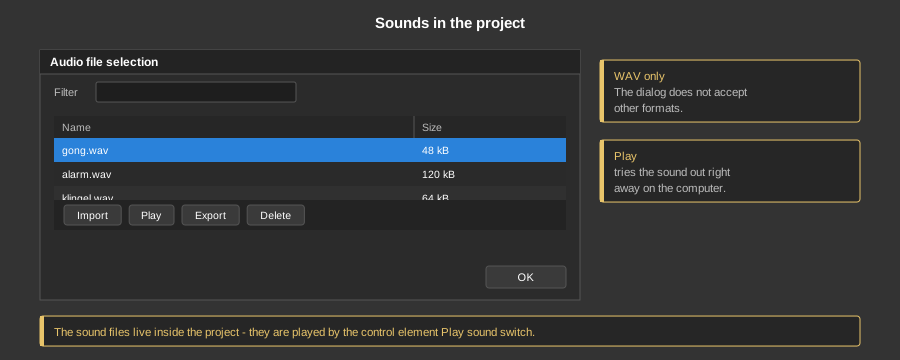
Only files in WAV format can be imported. Other formats such as MP3 are not accepted by the dialog.
| Import | Select one or more WAV files. If files of the same name exist, you are asked whether they should be overwritten. |
| Play | Plays the selected sound right away on the computer – so you can hear whether it fits before building it into the visualization. |
| Export | Writes the selected files back into a directory. |
| Delete | Removes the selected files from the project (also with the Del key). |
| Filter | Shows only files whose name contains the entered text. |
Tip: Long sounds make the project big. One or two seconds are usually enough for a notification tone.